> ## Documentation Index
> Fetch the complete documentation index at: https://wb-21fd5541-sdk-testing-latest.mintlify.site/llms.txt
> Use this file to discover all available pages before exploring further.
# PyTorch torchtune
> PyTorch torchtuneでW&B loggingを使用して、WandBLoggerメトリクスロガーでLLMのファインチューニング実験をトラッキングします。
export const ColabLink = ({url}) =>
Colabで試す
;
[torchtune](https://meta-pytorch.org/torchtune/stable/index.html) は、大規模言語モデル (LLM) の作成、ファインチューニング、実験を効率化するために設計された、PyTorch ベースのライブラリです。さらに、torchtune は [W\&B へのログ記録](https://meta-pytorch.org/torchtune/stable/deep_dives/wandb_logging.html) を標準でサポートしており、トレーニング過程のトラッキングと可視化を強化します。
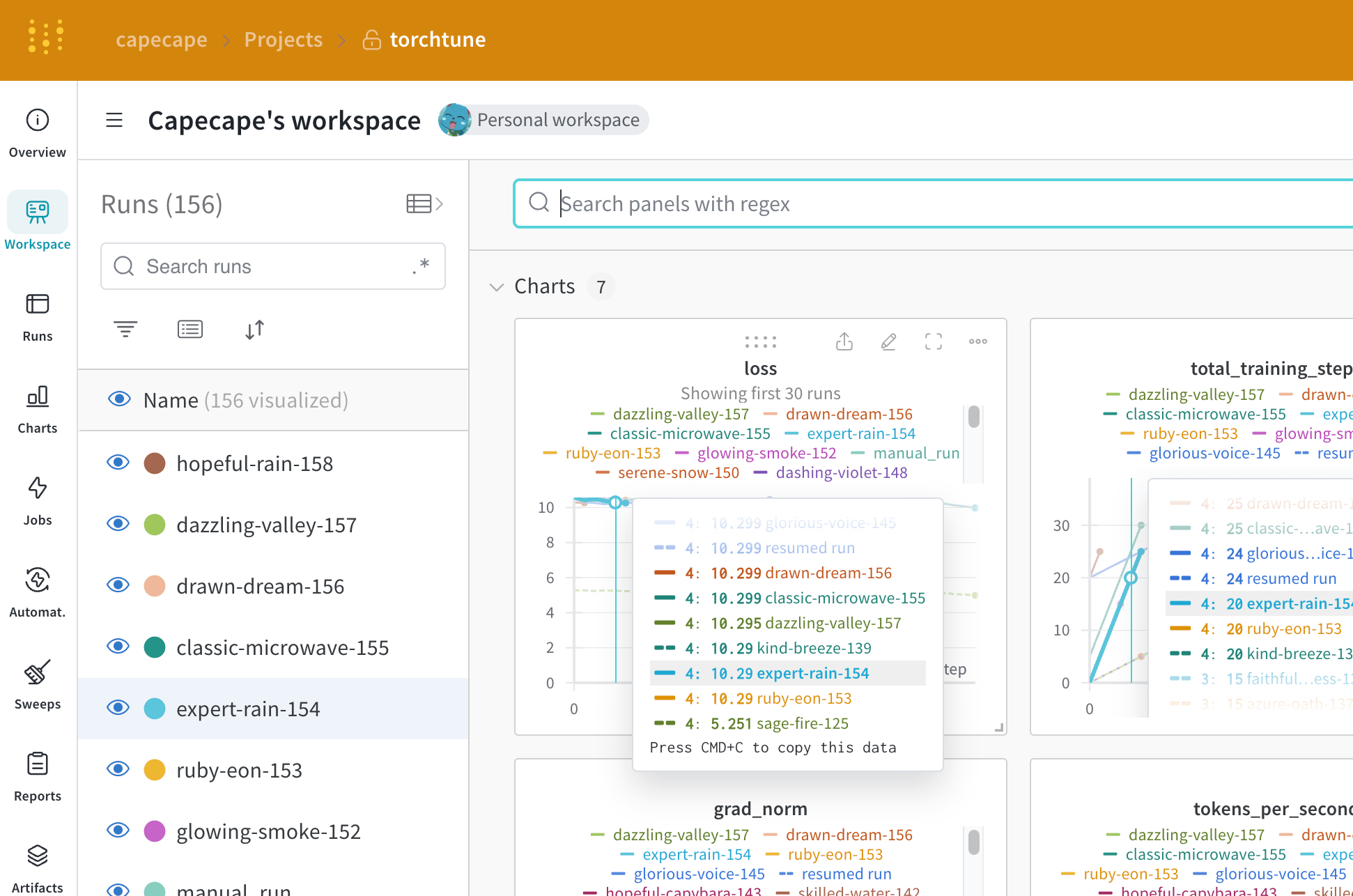 [torchtune を使った Mistral 7B のファインチューニング](https://wandb.ai/capecape/torchtune-mistral/reports/torchtune-The-new-PyTorch-LLM-fine-tuning-library---Vmlldzo3NTUwNjM0) に関する W\&B のブログ記事をご覧ください。
## すぐ使える W\&B logging
起動時にコマンドライン引数を上書きします。
```bash theme={null}
tune run lora_finetune_single_device --config llama3/8B_lora_single_device \
metric_logger._component_=torchtune.utils.metric_logging.WandBLogger \
metric_logger.project="llama3_lora" \
log_every_n_steps=5
```
レシピの設定で W\&B logging を有効にします。
```yaml theme={null}
# llama3/8B_lora_single_device.yaml 内
metric_logger:
_component_: torchtune.utils.metric_logging.WandBLogger
project: llama3_lora
log_every_n_steps: 5
```
## W\&Bメトリクスロガーを使用する
レシピの設定ファイル内の `metric_logger` セクションを変更して、W\&B logging を有効にします。`_component_` を `torchtune.utils.metric_logging.WandBLogger` クラスに変更してください。`project` 名や `log_every_n_steps` を渡して、logging の動作をカスタマイズすることもできます。
また、[wandb.init()](/ja/models/ref/python/functions/init) method に渡すのと同様に、そのほかの `kwargs` も渡せます。たとえば、チームで作業している場合は、`entity` 引数を `WandBLogger` クラスに渡してチーム名を指定できます。
```yaml theme={null}
# llama3/8B_lora_single_device.yaml 内
metric_logger:
_component_: torchtune.utils.metric_logging.WandBLogger
project: llama3_lora
entity: my_project
job_type: lora_finetune_single_device
group: my_awesome_experiments
log_every_n_steps: 5
```
```shell theme={null}
tune run lora_finetune_single_device --config llama3/8B_lora_single_device \
metric_logger._component_=torchtune.utils.metric_logging.WandBLogger \
metric_logger.project="llama3_lora" \
metric_logger.entity="my_project" \
metric_logger.job_type="lora_finetune_single_device" \
metric_logger.group="my_awesome_experiments" \
log_every_n_steps=5
```
## 何がログされますか?
ログされたメトリクスは、W\&B ダッシュボードで確認できます。デフォルトでは、W\&B は設定ファイル内のすべてのハイパーパラメーターと Launch のオーバーライドをログします。
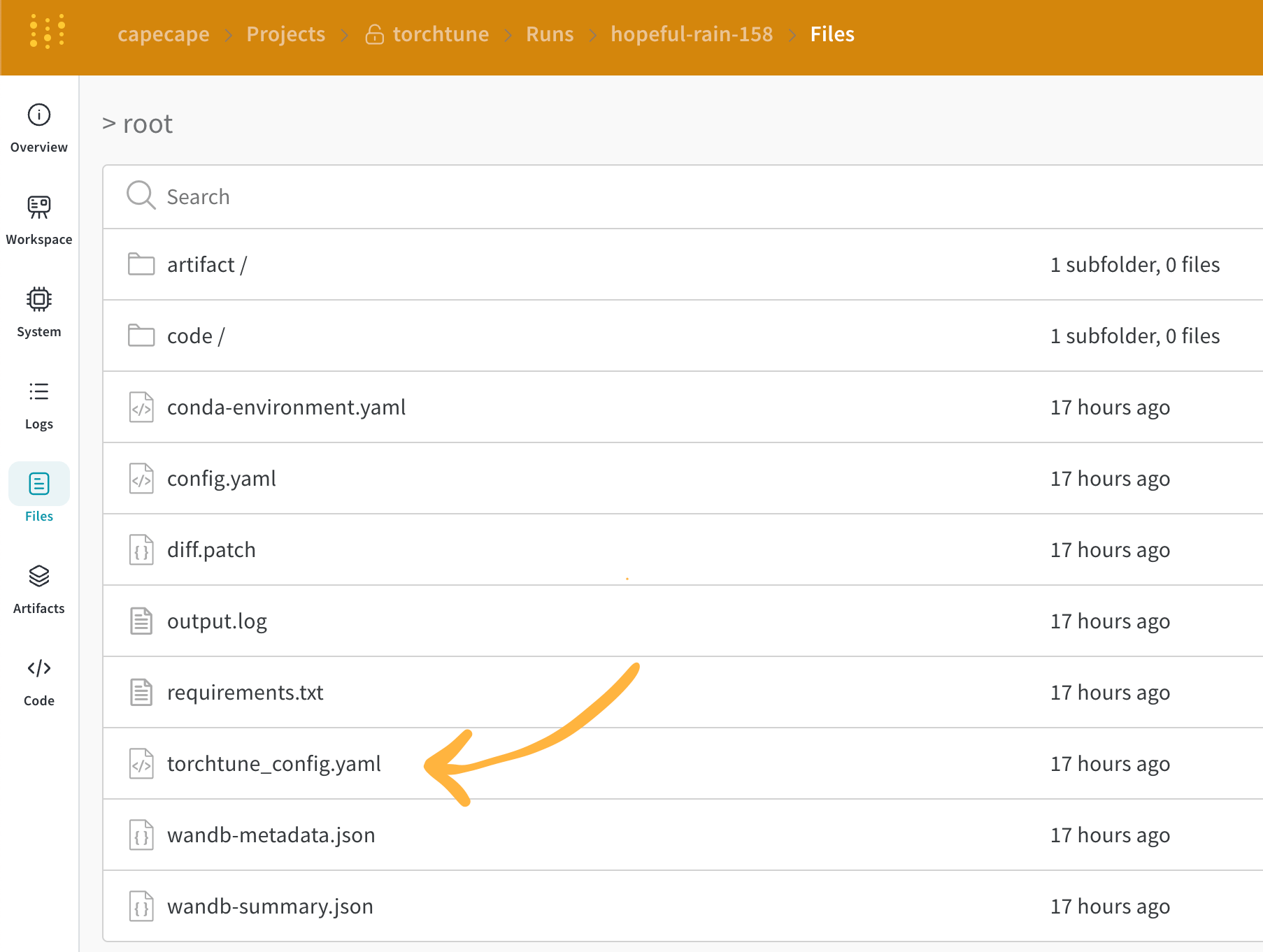
W\&B は、解決済みの設定を **Overview** タブに記録します。また、その設定は YAML 形式で [Files tab](https://wandb.ai/capecape/torchtune/runs/joyknwwa/files) にも保存されます。
### ログされたメトリクス
各レシピには、それぞれ独自のトレーニングループがあります。どのメトリクスがログされるかは各レシピごとに異なりますが、デフォルトでは次のメトリクスが含まれます。
| Metric | Description |
| ------------------- | ---------------------------------------------------------------------------------------------------------------------------- |
| `loss` | モデルの損失 |
| `lr` | 学習率 |
| `tokens_per_second` | モデルの1秒あたりのトークン数 |
| `grad_norm` | モデルの勾配ノルム |
| `global_step` | トレーニングループ内の現在のstepに対応します。勾配累積が考慮されるため、基本的にはoptimizerのstepが実行されるたびに更新されます。つまり、モデルは `gradient_accumulation_steps` ごとに1回更新されます。 |
`global_step` はトレーニングstep数そのものではありません。これはトレーニングループ内の現在のstepに対応します。勾配累積が考慮されるため、基本的にはoptimizerのstepが実行されるたびに `global_step` は1増加します。たとえば、dataloaderに10個のバッチがあり、gradient accumulation stepsが2で、3エポック実行する場合、optimizerは15回stepを実行します。この場合、`global_step` は1から15までの値を取ります。
torchtuneのシンプルな設計により、custom metricsを簡単に追加したり、既存のメトリクスを変更したりできます。対応する [レシピファイル](https://github.com/meta-pytorch/torchtune/tree/main/recipes) を修正するだけで十分です。たとえば、`current_epoch` を総エポック数に対する割合として計算し、次のようにログできます。
```python theme={null}
# レシピファイル内の `train.py` の関数内
self._metric_logger.log_dict(
{"current_epoch": self.epochs * self.global_step / self._steps_per_epoch},
step=self.global_step,
)
```
このライブラリは急速に進化しており、現在のメトリクスは変更される可能性があります。カスタムメトリクスを追加する場合は、レシピを修正し、対応する `self._metric_logger.*` 関数を呼び出してください。
## チェックポイントの保存と読み込み
torchtune ライブラリは、さまざまな[チェックポイント形式](https://meta-pytorch.org/torchtune/stable/deep_dives/checkpointer.html)をサポートしています。使用しているモデルの取得元に応じて、適切な[checkpointer クラス](https://meta-pytorch.org/torchtune/stable/deep_dives/checkpointer.html)に切り替える必要があります。
モデル チェックポイントを[W\&B Artifacts](/ja/models/artifacts/)に保存したい場合、最も簡単な方法は、対応するレシピ内の `save_checkpoint` 関数をオーバーライドすることです。
以下は、`save_checkpoint` 関数をオーバーライドして、モデル チェックポイントを W\&B Artifacts に保存する方法の例です。
```python theme={null}
def save_checkpoint(self, epoch: int) -> None:
...
## チェックポイントをW&Bに保存する
## Checkpointerクラスによってファイル名が異なる
## full_finetuneの場合の例
checkpoint_file = Path.joinpath(
self._checkpointer._output_dir, f"torchtune_model_{epoch}"
).with_suffix(".pt")
wandb_artifact = wandb.Artifact(
name=f"torchtune_model_{epoch}",
type="model",
# モデル チェックポイントの説明
description="Model checkpoint",
# dictとして任意のメタデータを追加できる
metadata={
utils.SEED_KEY: self.seed,
utils.EPOCHS_KEY: self.epochs_run,
utils.TOTAL_EPOCHS_KEY: self.total_epochs,
utils.MAX_STEPS_KEY: self.max_steps_per_epoch,
},
)
wandb_artifact.add_file(checkpoint_file)
wandb.log_artifact(wandb_artifact)
```